I am using GoodTask to make calendar and list grouping….aka work reminders lists and work calendars together on same view and same for home reminders/calendars.
When viewing my “home list” which has several reminder lists and calendar both items show up fine under day/week/month views. When I use the “list” view I do not see any of my calendar events only the reminders.
Also, on the widget when I select list view I do see all of the calendar events and reminder lists as I would expect.
How can I get my calendar events to show up in the app under list?
Normally calendar events are visible on day, week and month view only. It shows on list view only if you've set 'Scheduled' list filter on the list.
If this is not how it's working, please send me screenshots of 'Edit list' page, the list page and 'Settings - Lists & Calendars' page to contact@hahaint.com
That works, but the way it reads it makes it seem like the calendars filter should be where this would go.
Also might make sense to consider separating our calendar and reminder options to make GoodTask more customizable. I tend to use it for different “contexts” aka work, home, etc. and would make it much easier to do this.
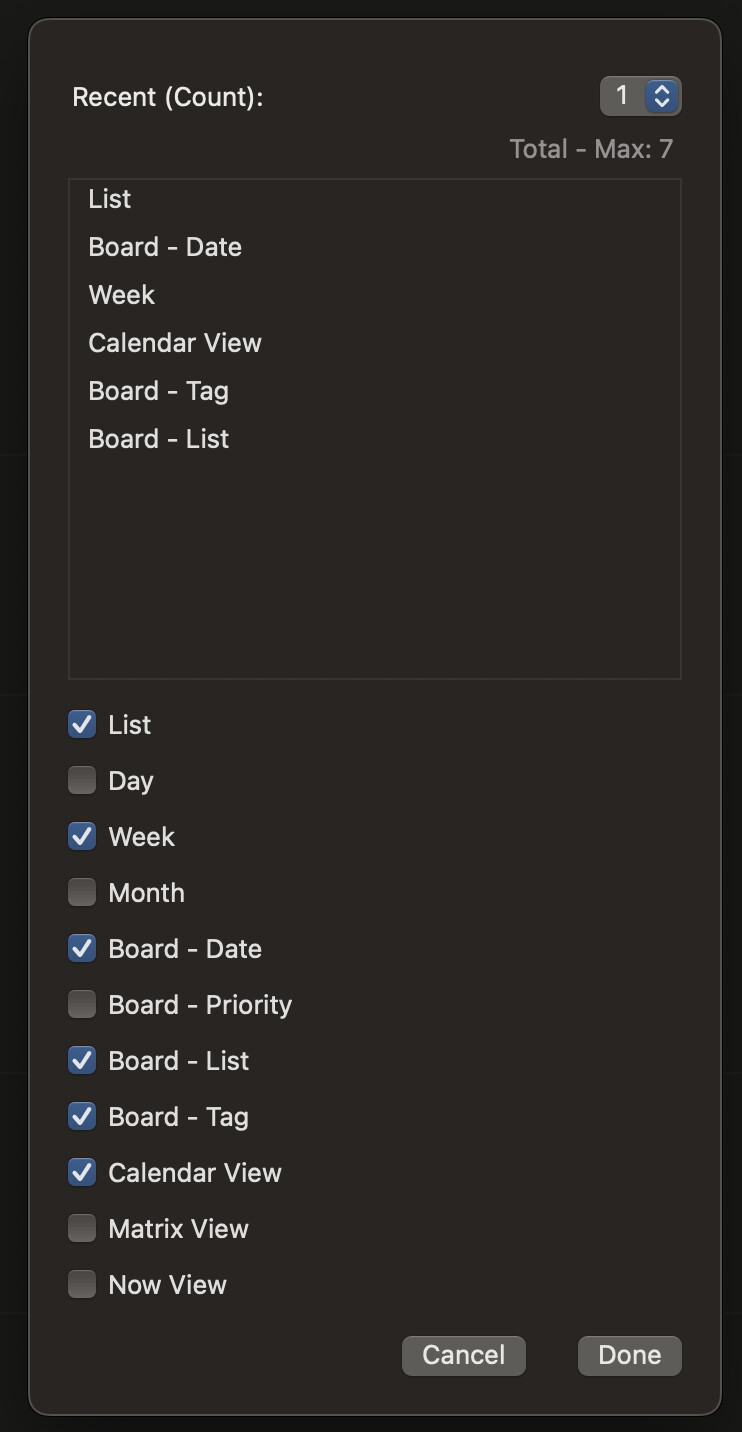
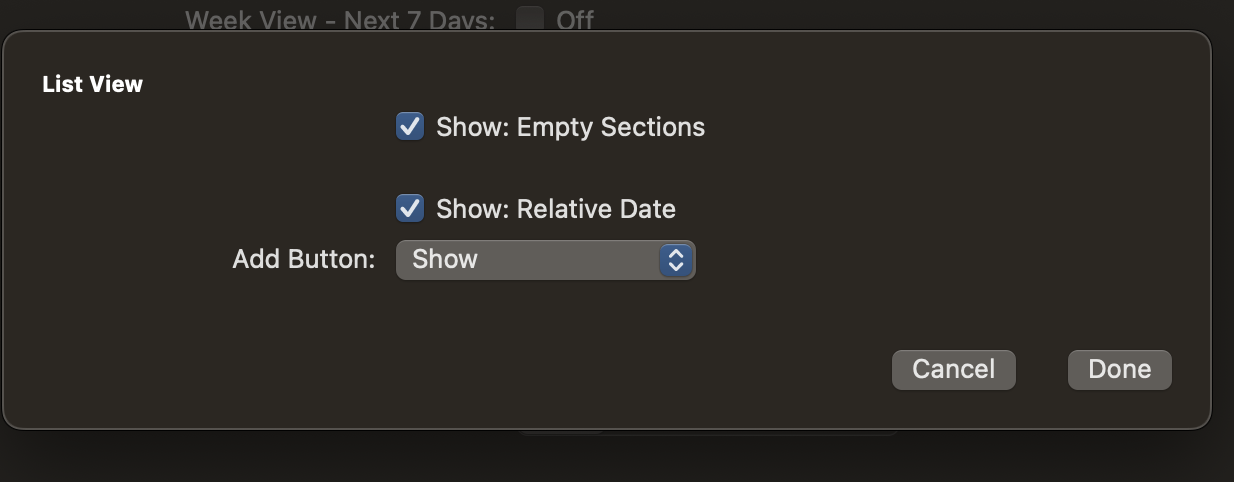
I can't see where "Filter for 'Lists' also apply to show calendar events or not on list view.” I’ve not be able to find an specific settings for List view other than. I don’t know where to look other than these two locations and I don’t see anything relating to calendar. Good Task keeps my life possible! So, I’m not complaining, but lost.
Thank you! That definitely worked, but it listed every calendar event forever at the top of list view, whereas all the other views list the calendar event for each day at the top of the day they're to occur.
But my trusty Board view I had gotten to a helpful state so I’ll just stick with that.