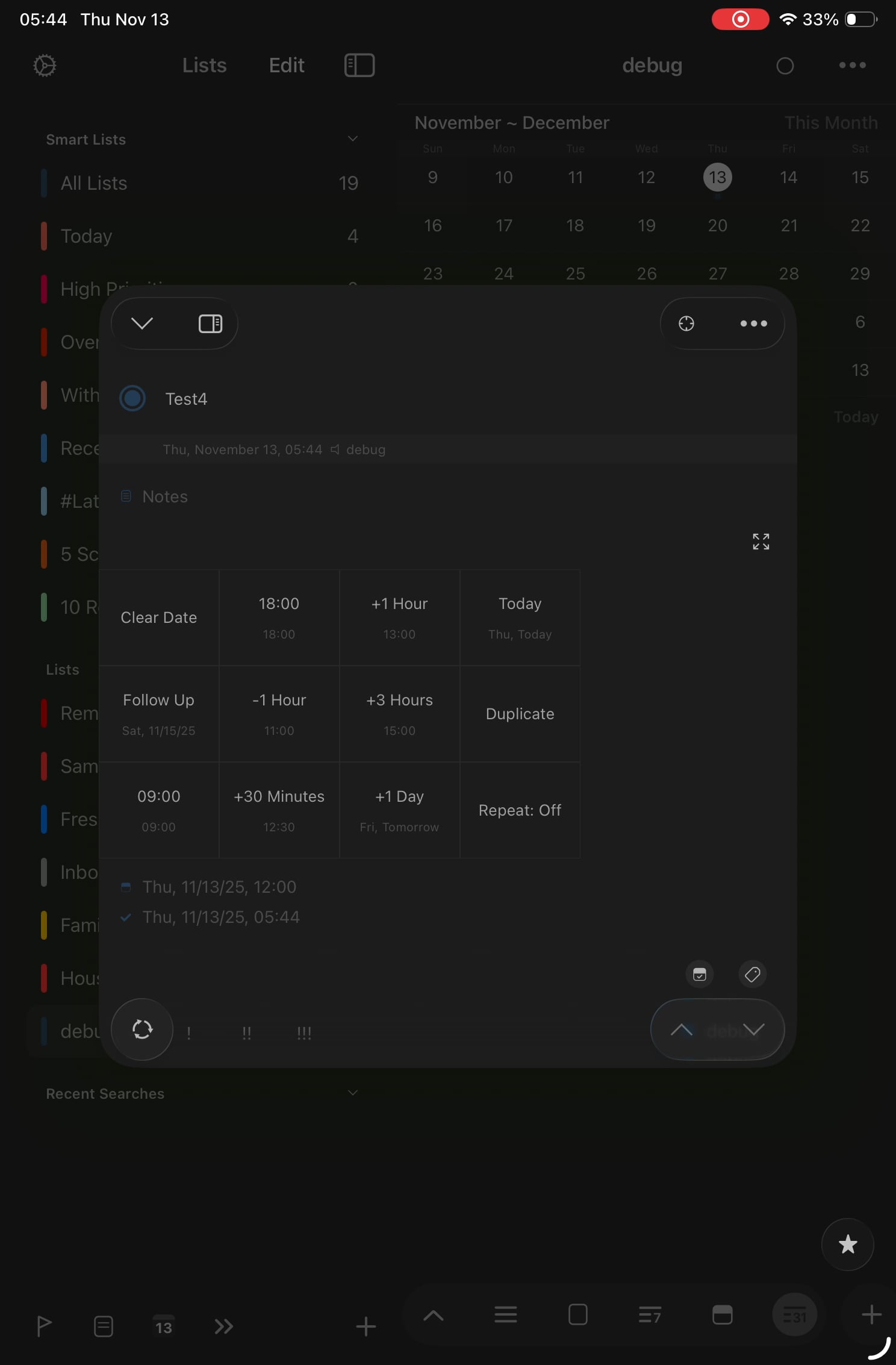
On my iPad, the “completed checkbox is continusouly getting checked, showing all completed tasks, without me clicking on it.
Is there something causing this that I’m not aware of, and is there a way to prevent it from continuously displaying my completed tasks. I’m not 100% sure of the triggers, but one seems to be completing a task using the normal circular complete button unhides all completed tasks for the list or smart view.
If you have 'Completed' filter added on that list, opening the list will show completed tasks automatically. If this is not your case, please let me know.
I get the same thing. Happens on iPad not iPhone. Marking a task as complete immediately checks the show completed tasks button and on the next refresh all completed tasks are shown. Happens every time. As far as I can tell all settings are identical between iPad and iPhone.
Hi @Infinus , thanks for the feedback. Would you share screen recordings to contact@hahaint.com ? Including list settings would be helpful too. Thanks!