New update is here. Hope you like the update. Thanks!
-
New Project View Settings
: Hide Empty Days (Off, Past, All) -
iOS) Tags button added on Bulk Actions page
-
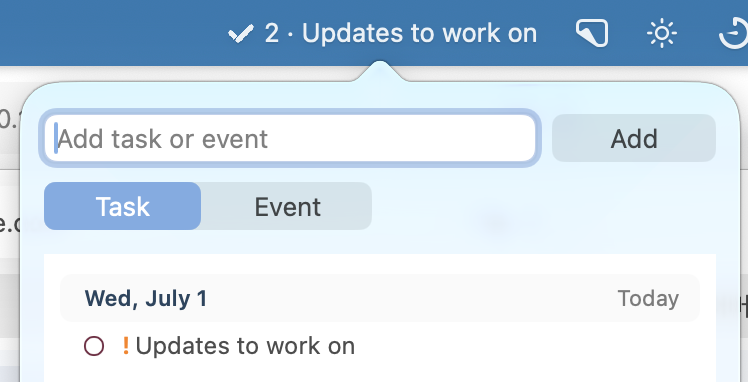
Mac) Menu bar item added
- Settings > General > Menu Bar: Show Menu Bar Item, Icon / Count / Next Item can be shown or hidden
- You can add a new task or event with one line. (Task follows Smart add rule)
- Tab to rotate between (Add new task / Add new event / List change)
- Count and next item will change according to the list you’ve selected. Count will follow options from General > Notifications > App Icon Badge with selected list
- You can set up Global Keyboard Shortcut to open menu bar item directly
-
Many adjustments, bug fixes and improvements
iOS: GoodTask - To Do List, Tasks App - App Store
macOS: GoodTask App - App Store