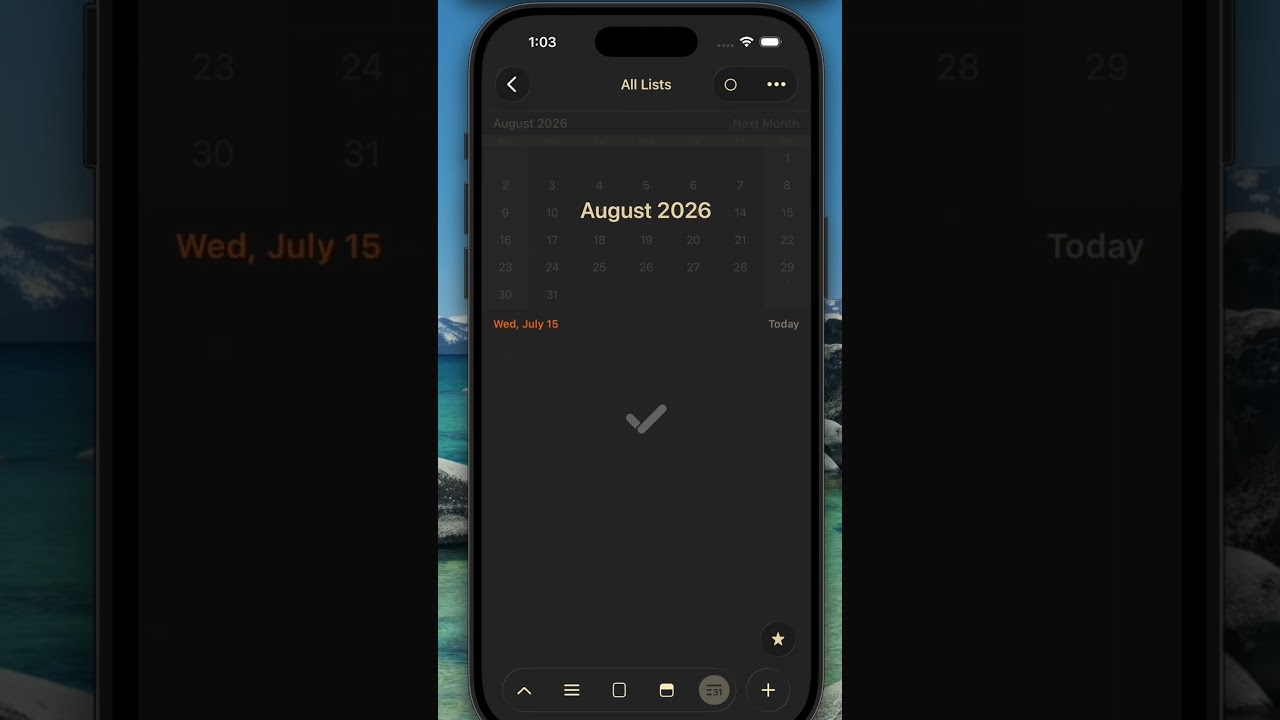
GoodTask is updated with below new features and improvements. Hope you enjoy the update. Please share the app with friends and families. Any kind of supports are welcome. Thanks!
Improvements on Calendar Events
Various improvements have been made along Calendar Events.
-
Calendar Order added: Settings > Lists & Calendars > Calendar > Calendar Order (Also on New Calendar Event Settings)
- Used while adding new calendar event & sorting
-
Change Calendar directly in context menu (Long tap on iOS and right click on Mac)
-
Add New Event (SHIFT-CMD-N) page on Mac revamped
- Smart add (Time, Date, /cal to set calendar) runs dynamically and reflects as you type.
-
Adding new event on Menu bar adjusted to run same Smart add features.
-
Calendar Events Settings (Settings - General):
- Default Calendar, Duration and Alert
- Holidays Calendar: All-day events in selected calendar will behave as Holidays. Holidays visibility follows 'Highlight Weekend' settings on Week/Month views and Calendar View. Repeat option's offset includes 'Holidays as Weekends' option.
- Duplicate as Task: ‘Start Date’ and ‘End Date’ option added. When new task is made, due date will follow event’s start date or end date according to this setting
- Duplicate as Event: ‘Start Date’ and ‘End Date’ option added. When new event is made, due date will become event’s start date or end date according to this setting
- Calendar Order and Separate Calendar events settings in one place.
- Show Calendar Events on List View: Now Calendar events can be shown on List View of any list without Scheduled filter. Select date range (Today, 1 Week, 1 Month, 3 Months, 6 Months) for the events.
-
Many adjustments, bug fixes and improvements