Modify shortcuts on new task view

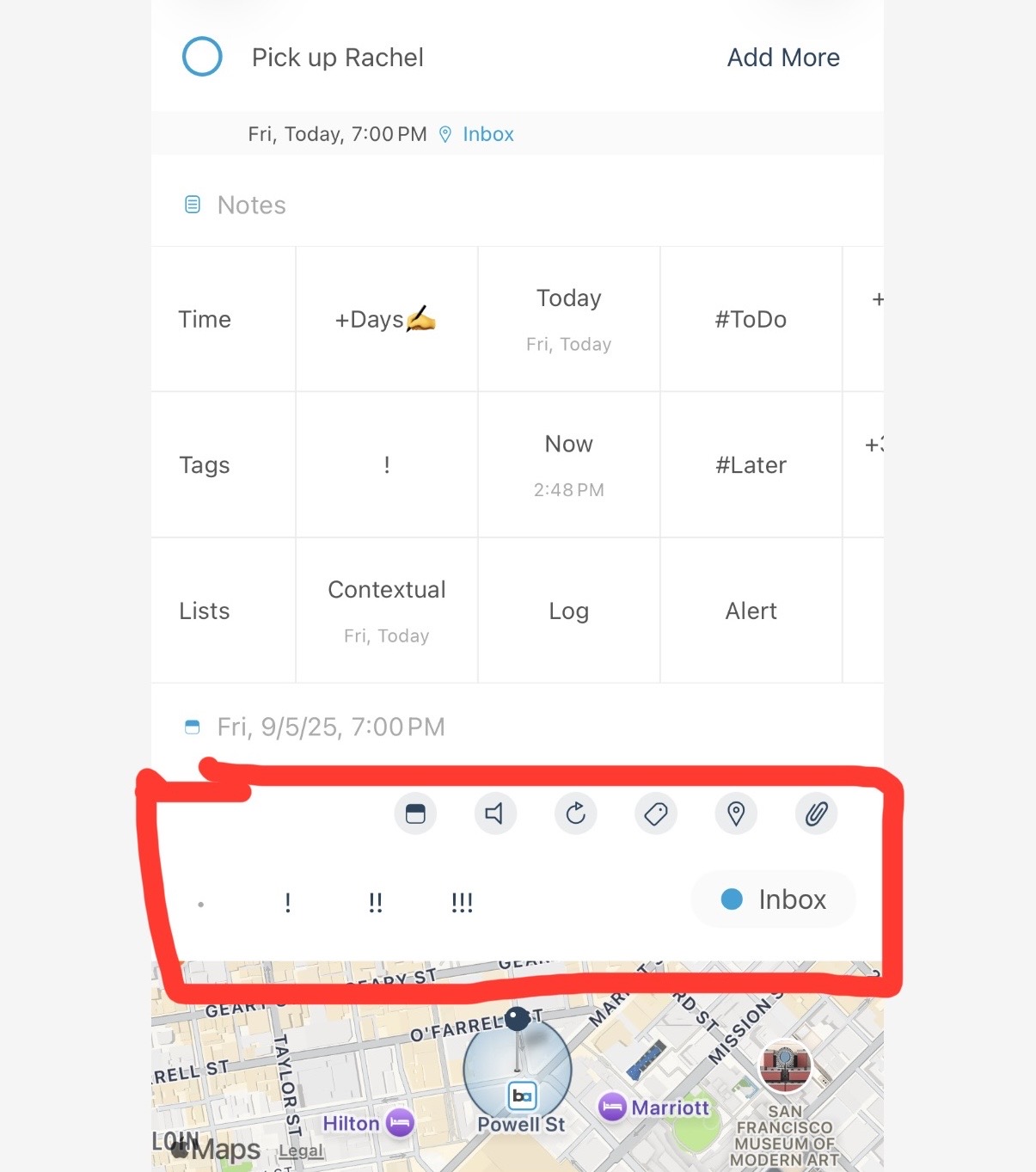
Is it possible to edit (or remove) the shortcuts highlighted in the attached photo?

I don’t see an option in the settings, but wanted to confirm given there is quite a bit of empty space within the section.

I primarily use the quick actions below Notes, as I prefer how they are displayed, but this does create duplicate objects.

Hi @c832w , thanks for the feedback.

You can adjust the order of the sections but can't hide them independently. Go into 'Settings > Appearance > Task Detail' and you'll see the page. The area you've selected is 'General'.

Also when you press 'Focus' button on top right inside that page, you'll see only title, notes and subtasks.
Thanks!