Hi @thatadamguy , thanks for the feedback. Have you updated the app to the latest version? I've managed to handle some potential issues and made adjustments to prevent these kind of issues in the future. I'm not quite sure why it happened on your side but if possible, try 'Delete local cache files' once and if the data connected to database seem completely reset, try 'Reset Calendar connection' once to start fresh. Only guess I can have is the account itself got re-connected or something similar but in normal cases, that should be handled under the hood for now. I'm sorry about inconvenience and if you can figure out any details to reproduce the issue or share any specifics that occurred before it happened, it would be helpful. Thanks!
There's no "Update app" functionality inside GoodTask and the GoodTask website's "Download" button just links over to the App Store's version.
How can I download the new version of GoodTask directly (not via the App Store)?
The app is only available through Mac App Store. Please open App Store app and update the app. Thanks!
I've been able to download new versions directly in the past. Is there no longer a way to do so? For example, I do have it installed and set up right now but the App Store doesn't think I've purchased it yet (which I hadn't, through them). I get GoodTask through SetApp.
How does that change things for me?
If you've downloaded the app through Setapp, you can update from Setapp. The webpage only provides trial version. Thanks!
SetApp doesn't have any updates for it, apparently (see screenshot).
I'm running GoodTask 8.3.2 (1683)
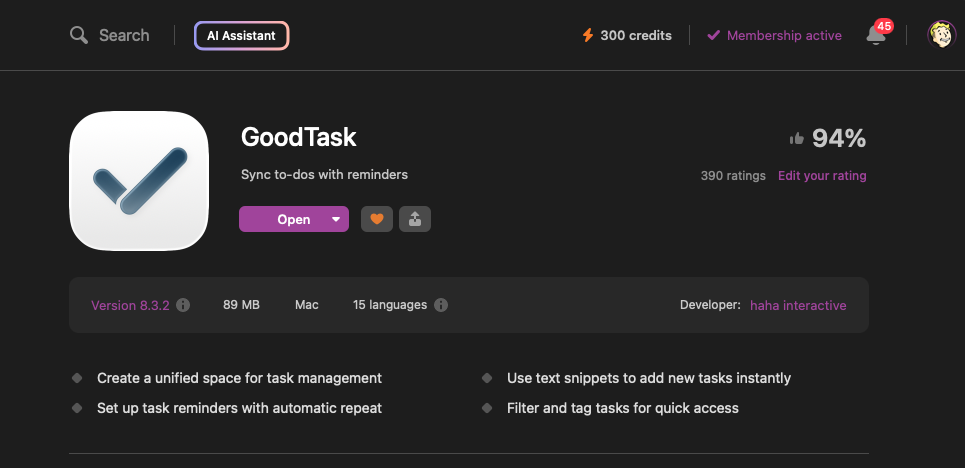
Then you have the latest version. You can check previous post and check how it goes. Thanks!
Already did this. But that's okay. I've already recreated all the folders and spaces. How can I get my old smart lists back, though?
It seems like your whole list data got reset if you don't have your previous smart lists. This is not related to previous issue then. Would you check if you have lists.plist file inside iCloud Drive/GoodTask/Settings? If it's already overwritten from current list, check inside /Backup folder and see if there's anything there. You can copy it back to Settings folder to restore previous lists. I'm not sure what could cause this but it could be something related to iCloud or storage. Thanks!
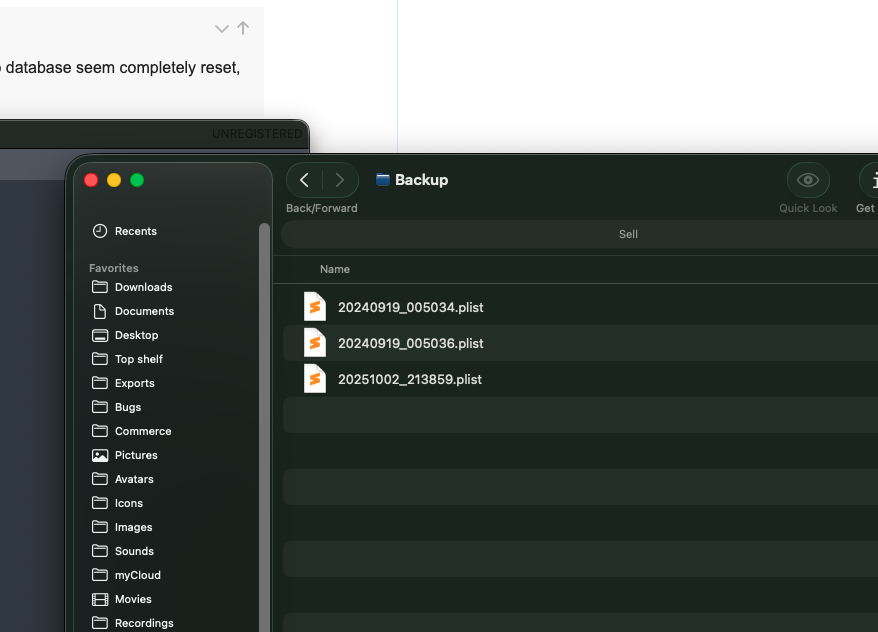
I only see plists in the Backup folder with dates in their names. I couldn't really find anything in there. It's alright, I'll just rebuild them. Is it possible to make periodic, full backups of my Goodtask database?
You can manually make them on iOS version. I’ll keep your feedback on the list to consider. Thanks!
Thanks for the tip! I appreciate it.