GoodTask keeps moving some of my task lists down to the bottom of the sidebar. Like, every time I launch it, practically. Anyone else have this problem?
Thanks for the feedback. Please try Settings - advanced - delete local cache files and see how it goes. Thanks!
I've used that trick before but the problem always resurfaces
It could happen when connection between the database on device and GoodTask has some issue. Normally it should not happen. It should be resolved with clearing the cache as described before but if it happens frequently, please let me know some more details. Thanks!
It happens multiple times every day for me. Every time I use it.  I've tried the cache trick many times and sometimes it will fix it but only for a short period of time. I'm iamadamschuster@gmail.com if you have advice!
Sorry.... this happens about once a day, maybe once every other. It's the expanding/collapsing thing in my other post that happens all the time.
Once every other day would also be a problem. Normally it should not occur. You may try 'Settings > Advanced > Reset calendar connection' to hard reset the connection and start again but this will remove all the calendar connection related smart lists, quick actions and other settings. To fix the issue, I recommend trying this re-connection and if possible, reconnect to iCloud itself in default Mac's System Settings page. You can turn off Reminders and Calendars in iCloud page, restart the device and turn it back on. This will re-download all your Calendars/Reminders database from iCloud. When doing this, turn off GoodTask and turn it back on when all the data is back on properly on device. Thanks!
Here's the thing, though. This has been happening for me across two devices and 2 years of time. So I don't think it's something resetting the connection will fix because that's essentially happened already several times over and it's still happening.
P.S. They also lose their assigned icons when it happens.
Do you use iCloud as your Reminders database?
Yup, iCloud is what I use
Normally 'Delete local cache files' could resolve the issue but if it's happening frequently, I recommend re-connecting from the app or iCloud Reminders on device. Turning Reminders off and then turning it back on resolves various issues that's not understandable.  Thanks!
I haven't tried that in a while. I'll give it a shot, thanks.
Well, I did that and although my reminders came back, they're all out of order, jammed together, they all lost their assigned icons, and none of them are organized into folders anymore. So that's fun.
I can reorganize everything again (like the 4th time) but if this doesn't solve it, I need you guys to bring in the big guns to help me fix this. Like, look into the logs and find the culprit. These ongoing bugs happen just about every other time I use the app and I want it to work like everyone else's.
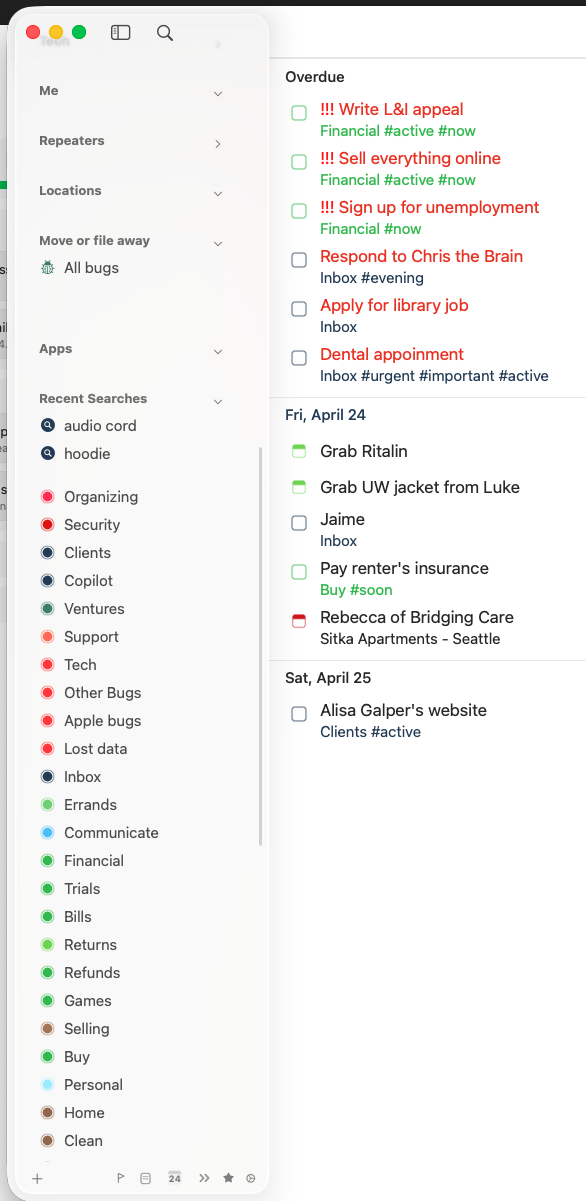
Yes, resetting database causes this issue like ‘Reset calendar connection’. (If you’ve not yet reorganized it, run this too. If already done, it’s ok)
Hope it works well now. Thanks!
Looks so far like that solved it! Thank you!!
It hasn't been happening so that must've fixed it. Thank you!!
This has happened twice more since my last response
Please run 'Delete local cache files'. Normally it should fix the issue. I'll try to figure out the root cause of the issue. Thanks!
Well, I opened GoodTask today and all of my the folders I had divided my task lists into are gone. "Smart Lists" is still there but everything else has just been dumped into the root "Lists" folder (on the sidebar).
What happened?
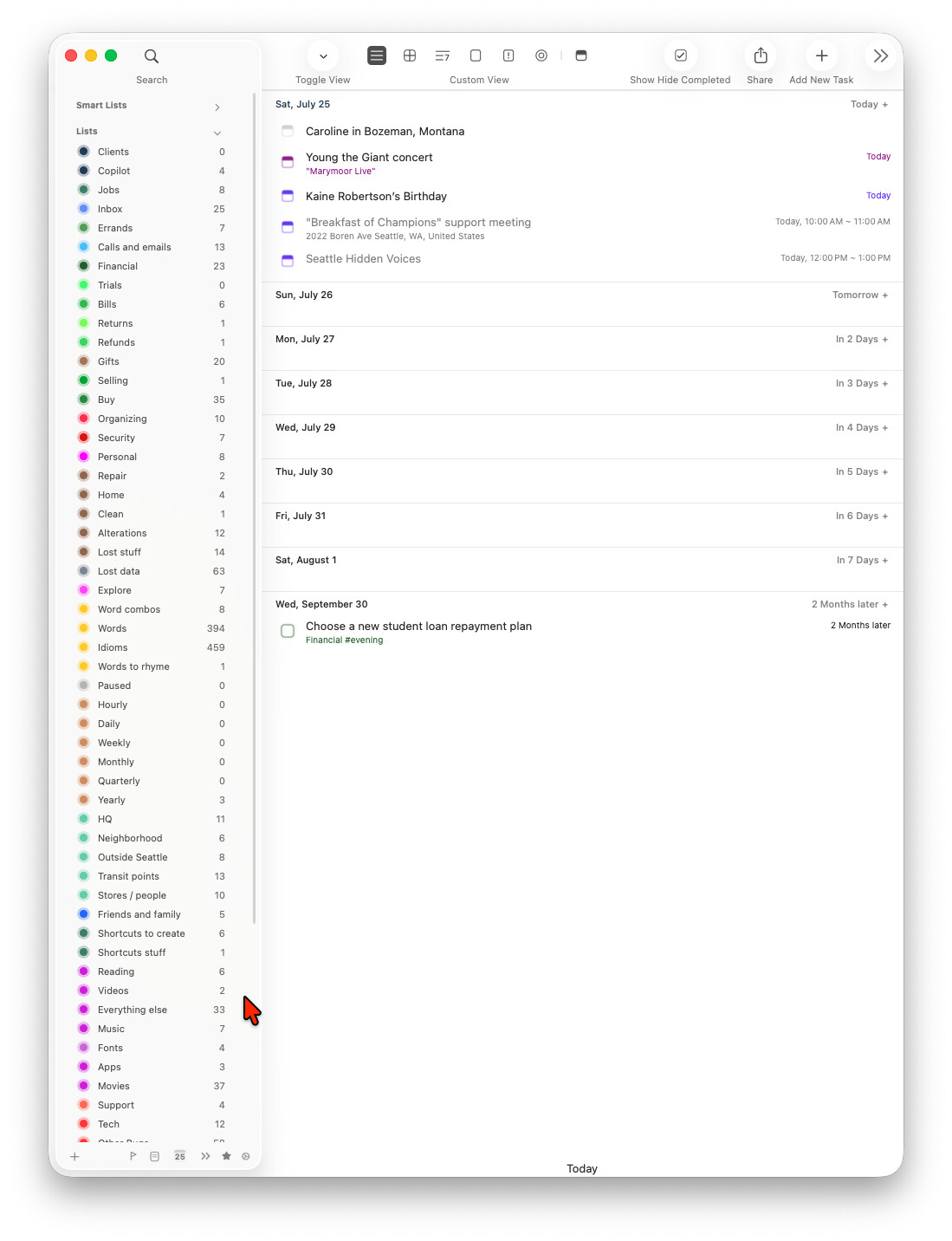
I only have a small glimpse of what it used to look like but there were essentially about 10-12 different task folders.
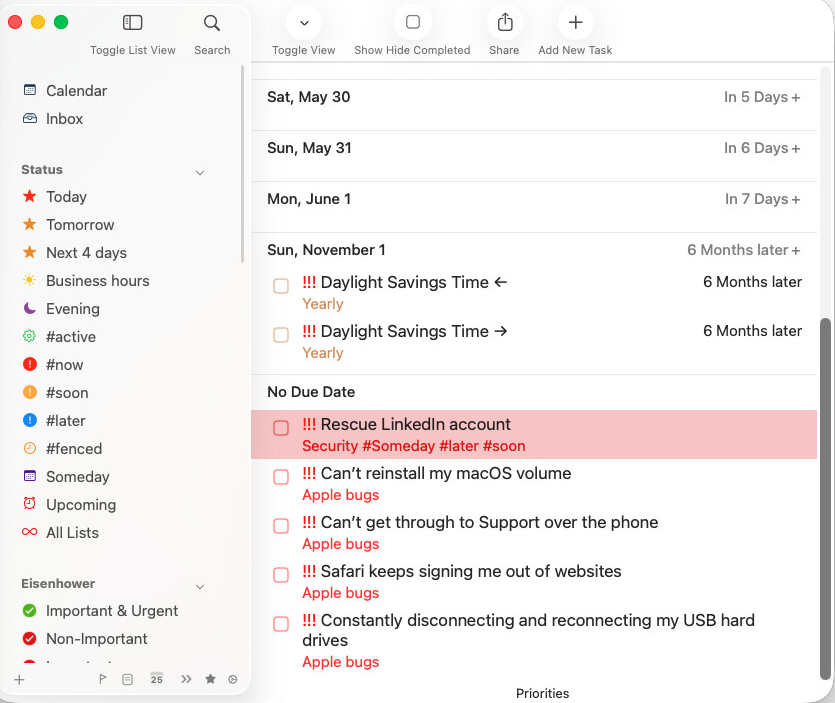
Wow. I just noticed that it's missing some of my Smart Lists...
I wonder if it's missing some of my regular lists, too.....
What in the world could've caused this???