"Urgent" alarm reminders still popping up for high-priority items even though it's set not to in the GoodTask iOS settings, where Urgent is set to None.
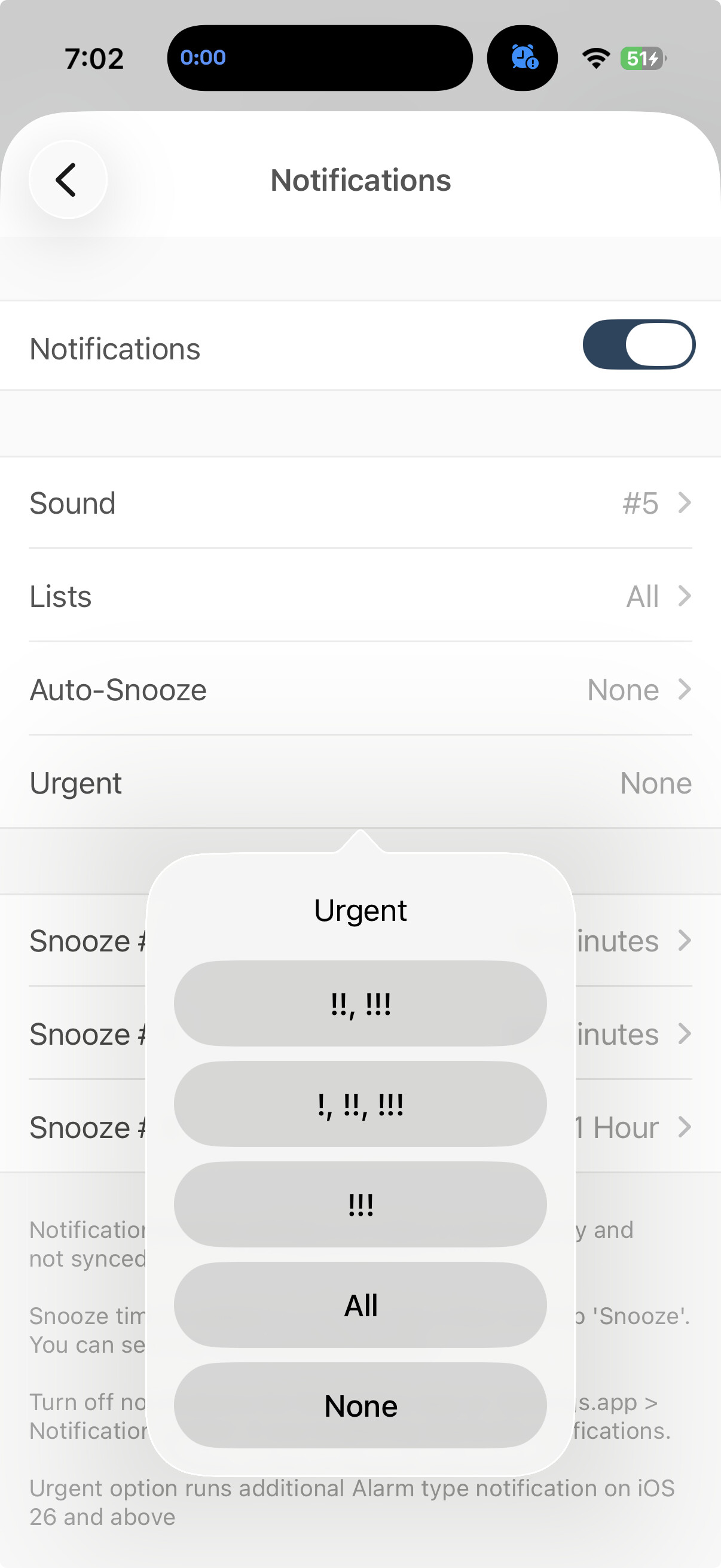
Thanks for the feedback. Would you try restarting the app and see how it goes? If the issue persists, try Settings > Advanced > Delete local cache files and see how it goes. Normally it shouldn't pop up if settings are set to None. Thanks!
I tried both of those things but the alarm is still going off for those high-priority tasks.
Hmm, that seems weird. I've tested again and it works normally. Would you try changing the urgent option to something else and then change it back to None and see how it goes? Thanks!
Tried that, still happening.
Would you share screen recordings of the issue to contact@hahaint.com ?
Including below screens would be helpful.
- Settings - General - Notifications page
- Task detail of a new task with high priority and alert to next minute
- Alert popping out while in home screen (or lock screen)
Thanks!
Here you go for #1 and #2. I don't have one of #3 right now but, I mean, you know what that would look like. You can trust me that it's happening. Not every time, mind you, but it happens at least once a day. It's currently happening with the task shown in the screenshot, and another one.
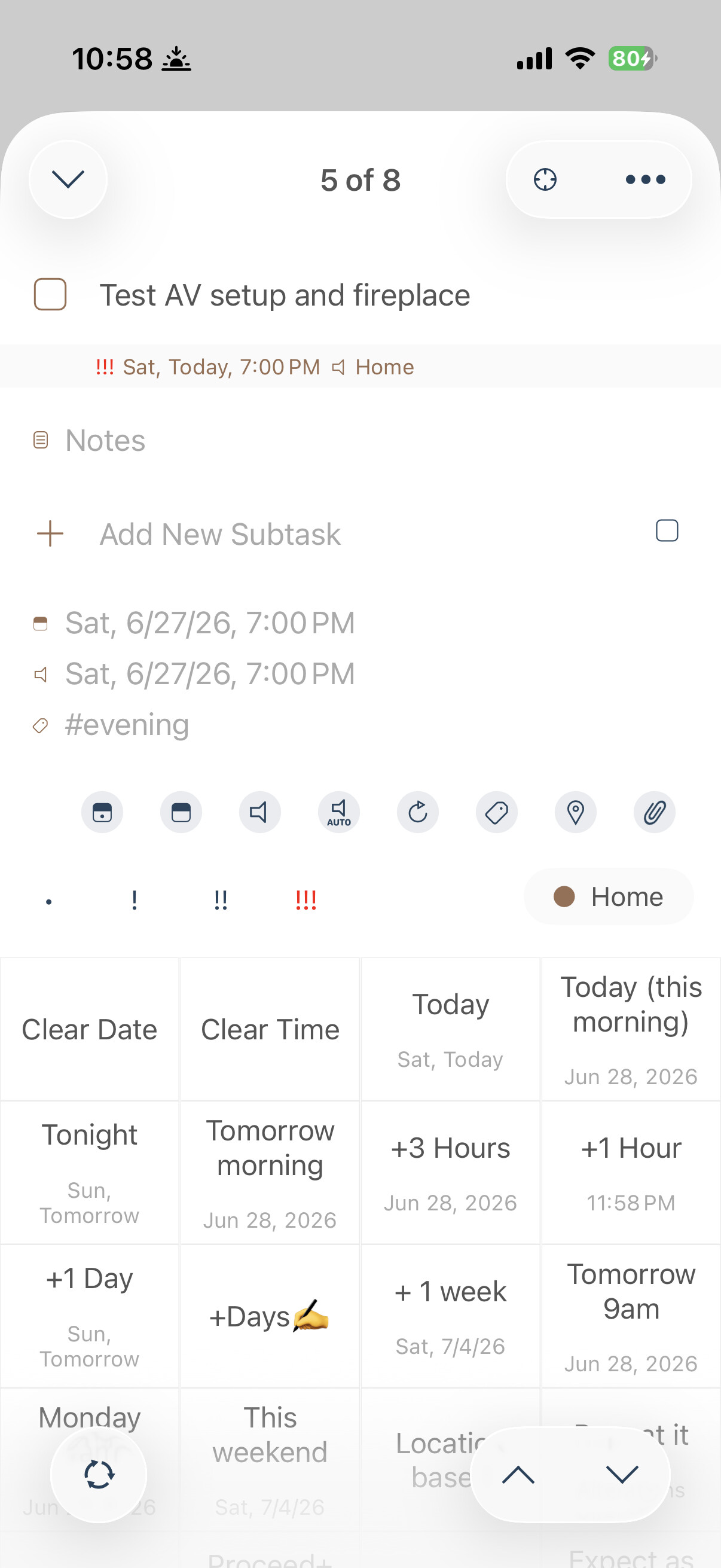
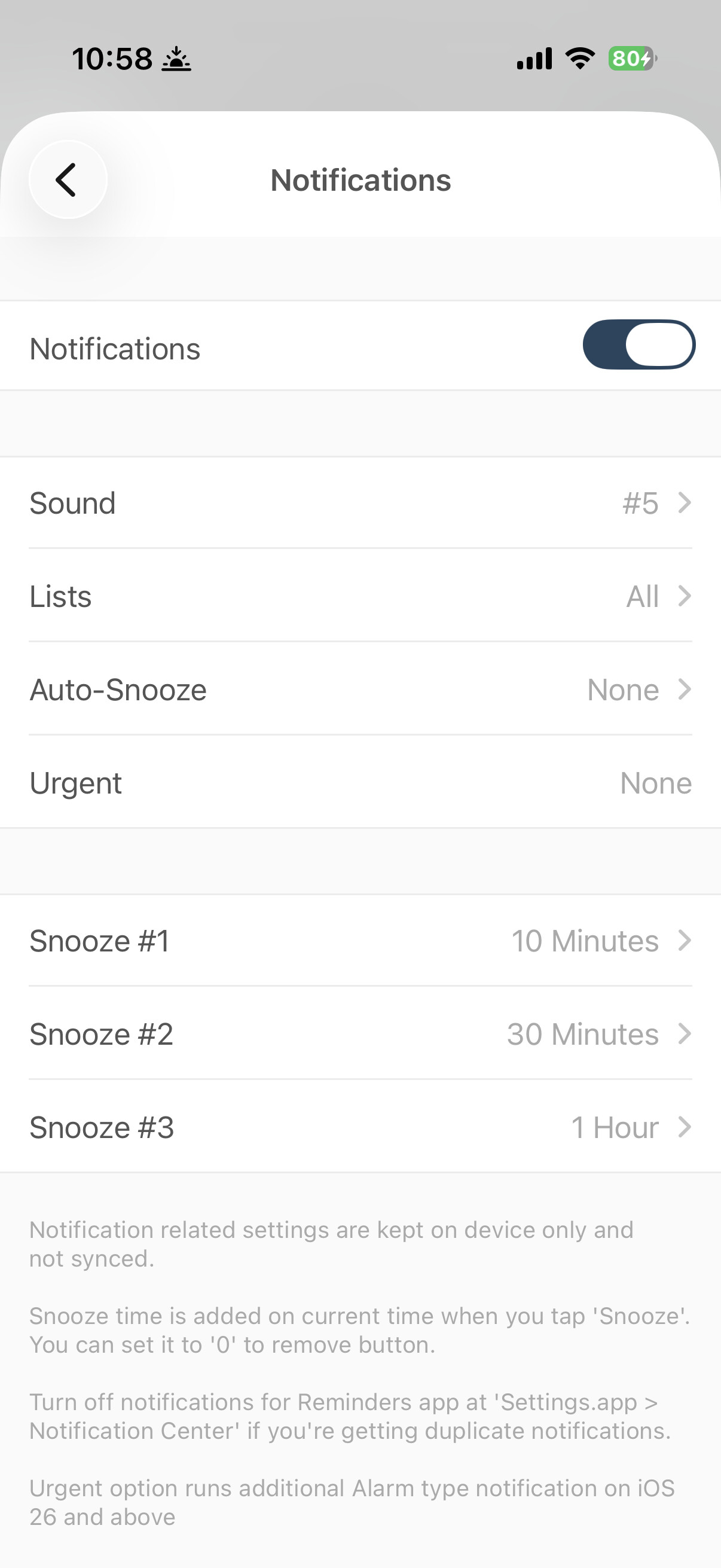
Thanks for the report. It seems like an abnormal situation. Would you share your iOS version and which device you’re using?
I’ll investigate further but if you want a fix immediately, you can open default Settings app and search for GoodTask. You can turn off Alarm on that page and it won’t run for GoodTask.
Thanks!
I'm running an iPhone 16 Pro with iOS 26.5
1 Like
I've noticed it doesn't have this behavior when I set up a new test task with high priority. I wonder if......
Could it have to do with the fact that the tasks it's sounding the alarm for were created before I turned the alarm feature off? I just made that connection. Perhaps the setting is per-task instead of global or something?
Just a thought.
I made some adjustments on latest update. If you've updated the app, it should not happen. Thanks!
I don't see any updates. Is mine the newest? version 8.2.5 (1658) on mac and, more importantly (because that's where the alarm happens), version on iPhone.
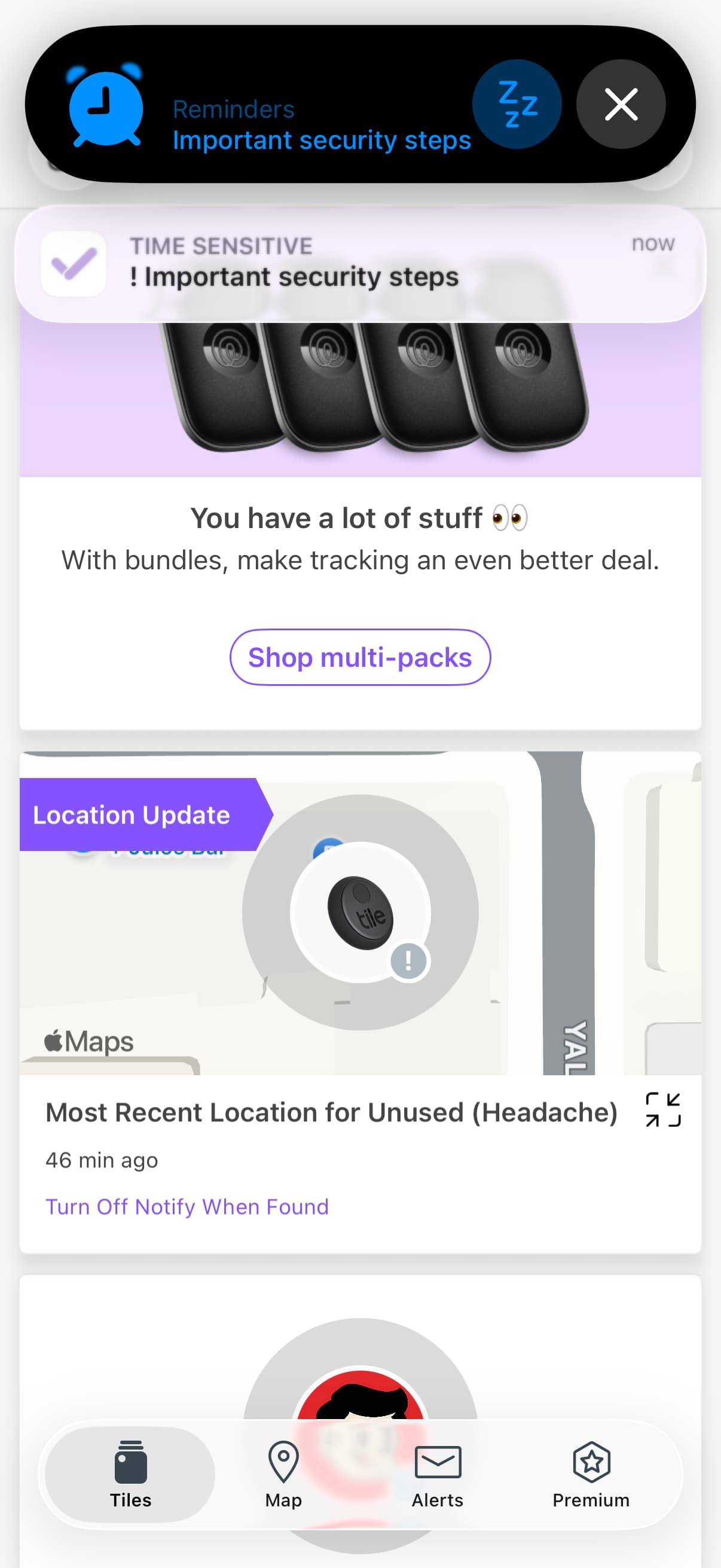
For this version, it's still doing it. Screenshot is from tonight
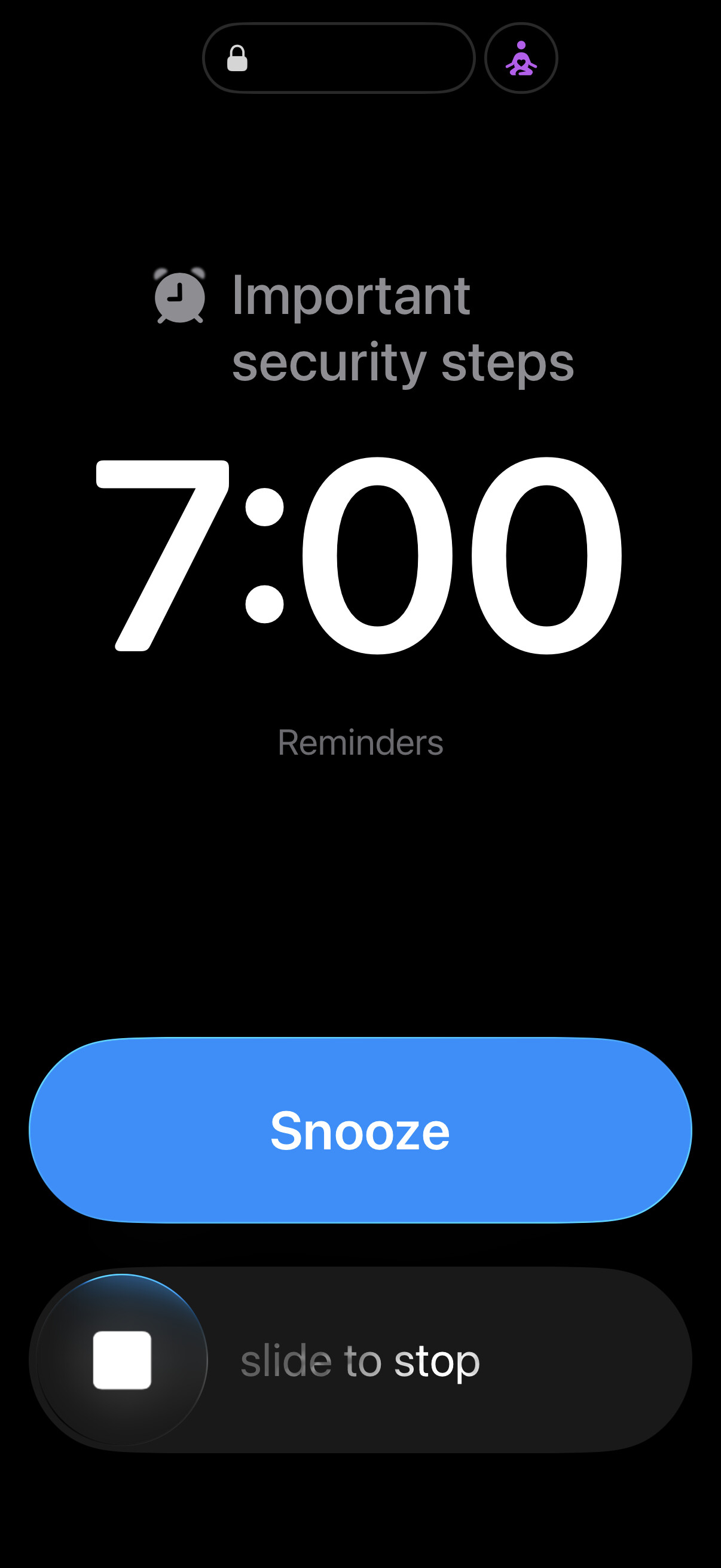
Thanks for the details. It seems like some other app is making that alarm. GoodTask's alarm feature does not show 'Snooze' as the top button. You may want to check default Settings app > Permissions > Reminders and see which apps are accessing your Reminders app's data. Or it could just be Reminders app that's making the alarm. Thanks!