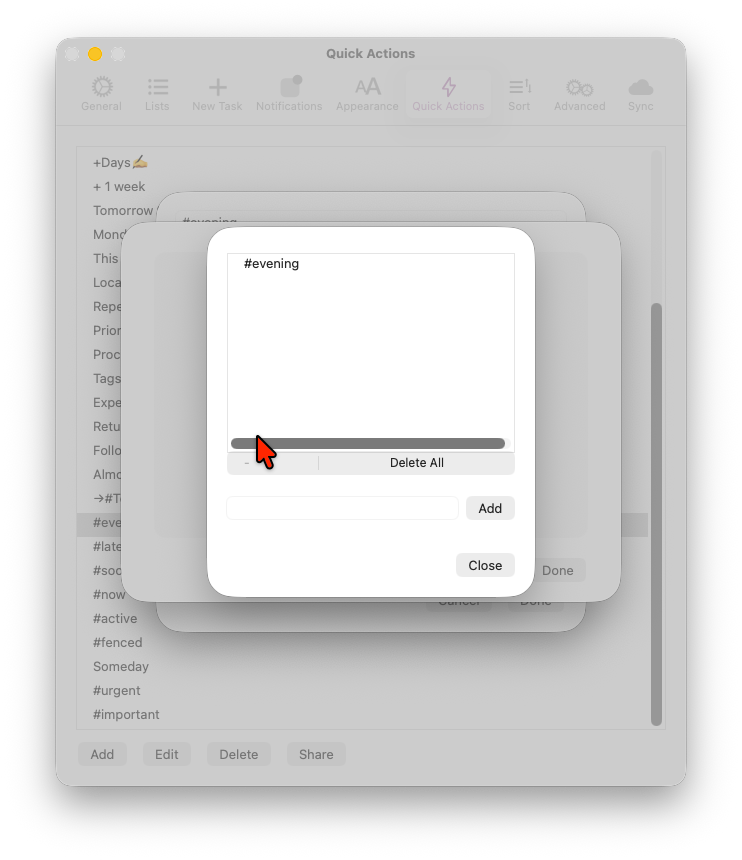
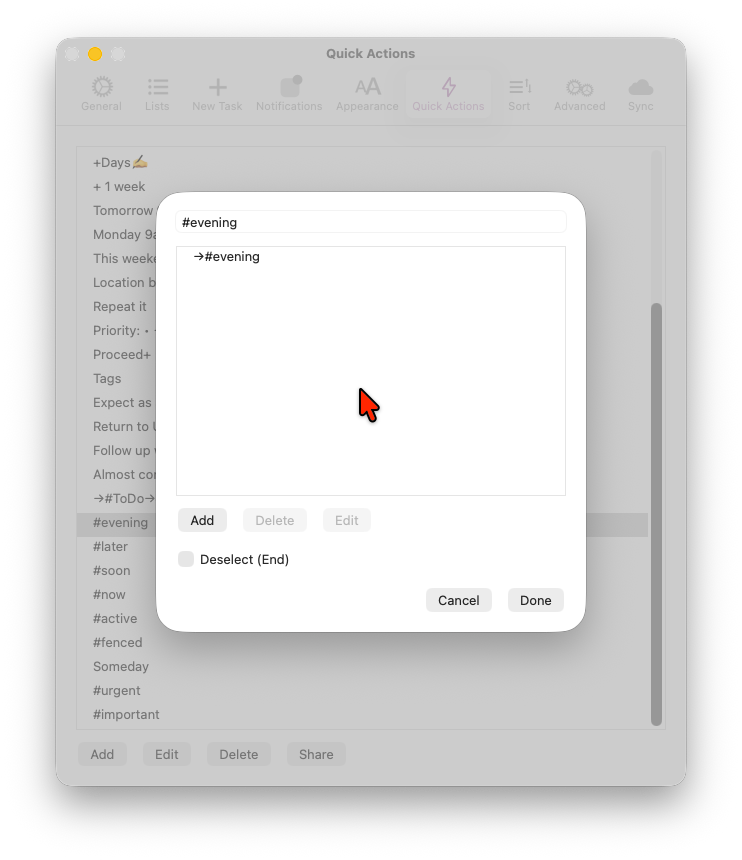
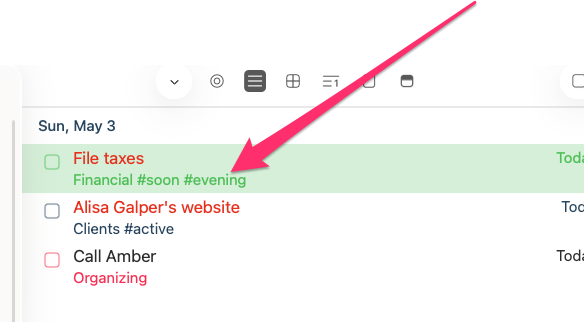
The video I'm posting shows several anomalies:
- #Evening tag set but doesn't appear
- #Evening tag appears only once #Evenings tag removed
- #Evenings Tag Switch QuickAction doesn't work
What's going on here? My other QuickAction Tag Switches are set up the exact same way and work perfectly fine.
Thanks for the report.
It seems like 2 separate #Evening and #Evenings tags are causing the issue. I'll check and will see if it can be fixed. Thanks!
Oh, I see. I mistyped in my initial description by including an "s" at the end of one of the #evening tags. My bad. Should be clear in the video.
Just to clarify, my prior post mentioned "evenings" but that was just a typo. The behavior described is happening with a Switch—#evening tag toggle.
Please do review the video, which show this clearly, and please respond about how I can stop this behavior from happening.
Thank you!
Hi @thatadamguy , on the video, I see both #evenings and #evening tags in the tag panel. Have you tried with one removed?
Yes, I've tried that, too
Sorry for late answer. Please check below.
- 'Tag' Quick action can be used to add/remove certain tag
- 'Switch' Quick action rotates the tags that's added on the list.
- When you have one tag only in 'Switch' Quick action, it'll only add that one and keep it if it's already added
- To remove the one with 'Switch' Quick action, you need to add an empty string tag on the rotation list.
- Currently this can't be done on Mac. On iOS, you can add a tag with a letter and then choose that tag and delete the letter and it should work.
- I'll fix the bug and make it possible on next update.
Thanks!
Okay thanks for the thorough explanation. I totally get you on stuff like that! Keep up the awesome work you guys put in on this product.
God bless ye!
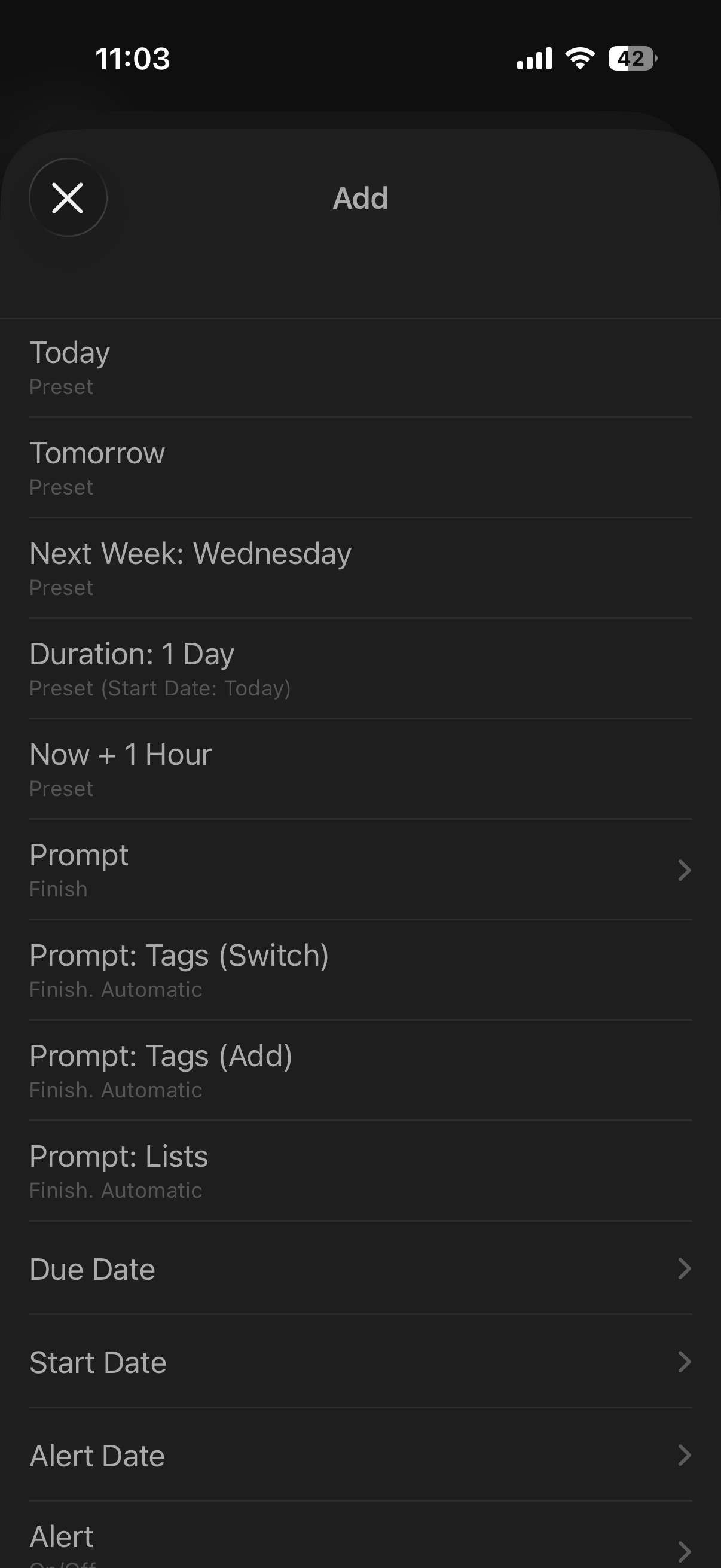
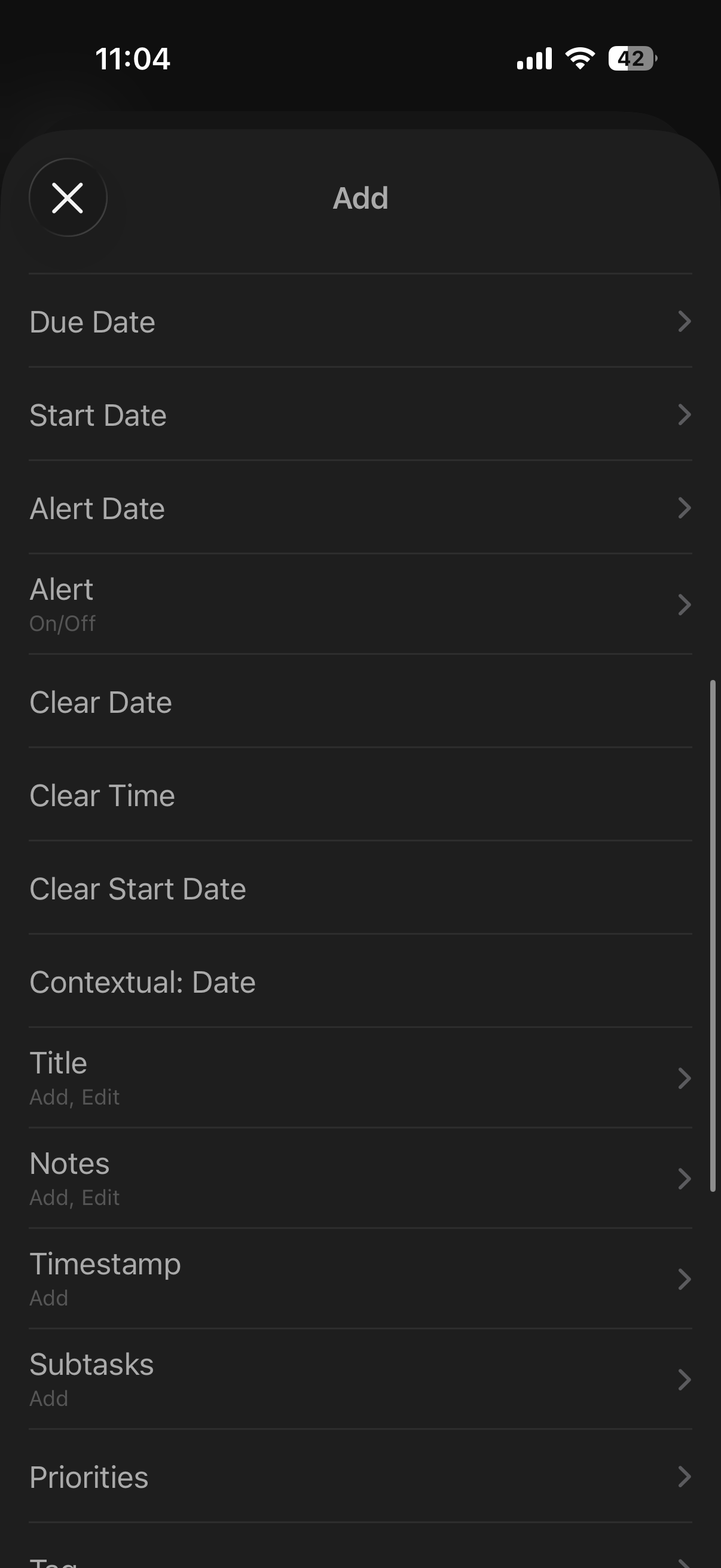
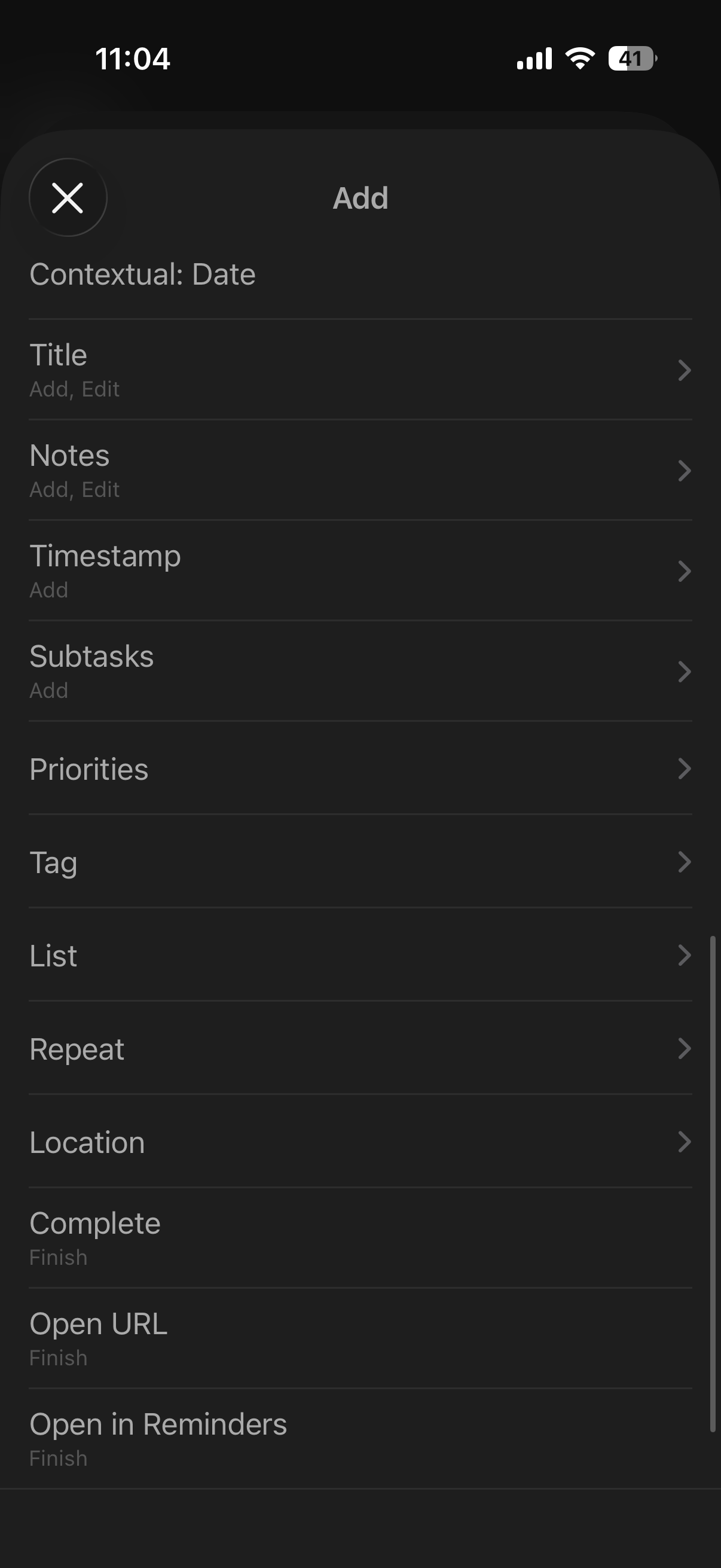
FYI, I also noticed that the "Switch" action is not an option on the mobile version like it is on the desktop version. Did you know that already?
Here's a full list of what's there. Am I just missing it?
Hi @thatadamguy , if you have tag action already inside a quick action, switch action will be hidden. Try making a new one and it should be shown. Thanks!
1 Like
Why is that? Couldn't they be utilized together?
I noticed that "Switch" disappears if "Tag" is set already, but the same doesn't happen to "Tag" if "Switch" is set already.
When tag and switch actions are together in a single quick action, unexpected result may happen. it could give confusion so it was removed. Do you have any particular use case?
Absolutely. I may want to Switch one particular tag, while also adding one or removing a different tag (not the same one Switched)
Like adding a #business-hours tag to something while switching whether it's #active or not
Thanks for the explanation. I'll take a look.
Just an idea. You guys have bigger fish to fry, I'm sure.